If you want to display the date and time in PHP, it can be somewhat confusing what letters to use to bring in those elements. Below is a list of all the PHP date and time options that you can use on your site:
| Option | Description |
|---|---|
| a | am or pm |
| A | AM or PM |
| B | Swatch Internet time, a universal time scheme. More information is available at https://www.swatch.com |
| c | ISO 8601 date. This date is represented as YYYY-MM-DD. An uppercase T separates the date from the time. The time is represented as HH:MM:SS. The time zone is represented as an offset from Greenwich mean time (GMT) (only in PHP 5) |
| d | Day of the month, two digits with leading zeros |
| D | Day of the week in text, three letters |
| F | Month in text |
| g | Hour, 12-hour format without leading zeros |
| G | Hour, 24-hour format without leading zeros |
| h | Hour, 12-hour format with leading zeros |
| H | Hour, 24-hour format |
| i | Minutes with leading zeros |
| I | 1 if Daylight Savings Time, 0 if not |
| j | Day of the month without leading zeros |
| l | Day of the week in text |
| L | 1, if it is a leap year, 0 if not |
| m | Month with leading zeros |
| M | Month in text three letters |
| n | Months without leading zeros |
| r | RFC 822 formatted date |
| s | Seconds with leading zeros |
| S | English ordinal suffix, textual, two characters |
| t | Number of days in the given month |
| T | Time zone setting of this machine |
| U | Seconds since the epoch |
| w | Day of the week, numeric (0 [Sunday]) |
| y | Year, two digits |
| Y | Year, four digits |
| z | Day of the year |
| Z | Time zone offset in seconds |
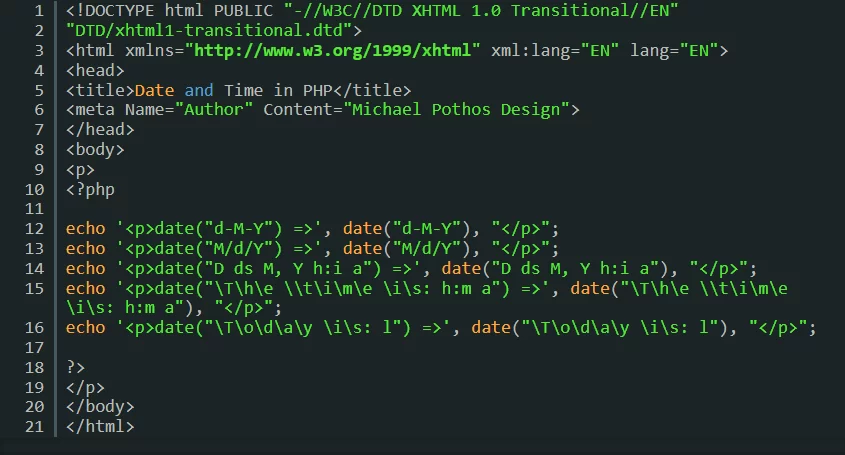
To utilize these options in PHP, without using a plugin like Elementor, you could use the following code:
<!DOCTYPE html PUBLIC "-//W3C//DTD XHTML 1.0 Transitional//EN"
"DTD/xhtml1-transitional.dtd">
<html xmlns="http://www.w3.org/1999/xhtml" xml:lang="EN" lang="EN">
<head>
<title>Date and Time in PHP</title>
<meta Name="Author" Content="Smart Web Creative">
</head>
<body>
<p>
<?php

echo '<p>date("d-M-Y") =>', date("d-M-Y"), "</p>";
echo '<p>date("M/d/Y") =>', date("M/d/Y"), "</p>";
echo '<p>date("D ds M, Y h:i a") =>', date("D ds M, Y h:i a"), "</p>";
echo '<p>date("\T\h\e \\t\i\m\e \i\s: h:m a") =>', date("\T\h\e \\t\i\m\e \i\s: h:m a"), "</p>";
echo '<p>date("\T\o\d\a\y \i\s: l") =>', date("\T\o\d\a\y \i\s: l"), "</p>";

?>
</p>
</body>
</html>